Sample handout. Host details and the vehicle-specific tutorial are added before guest use.
Get connected.
Enjoy the drive.
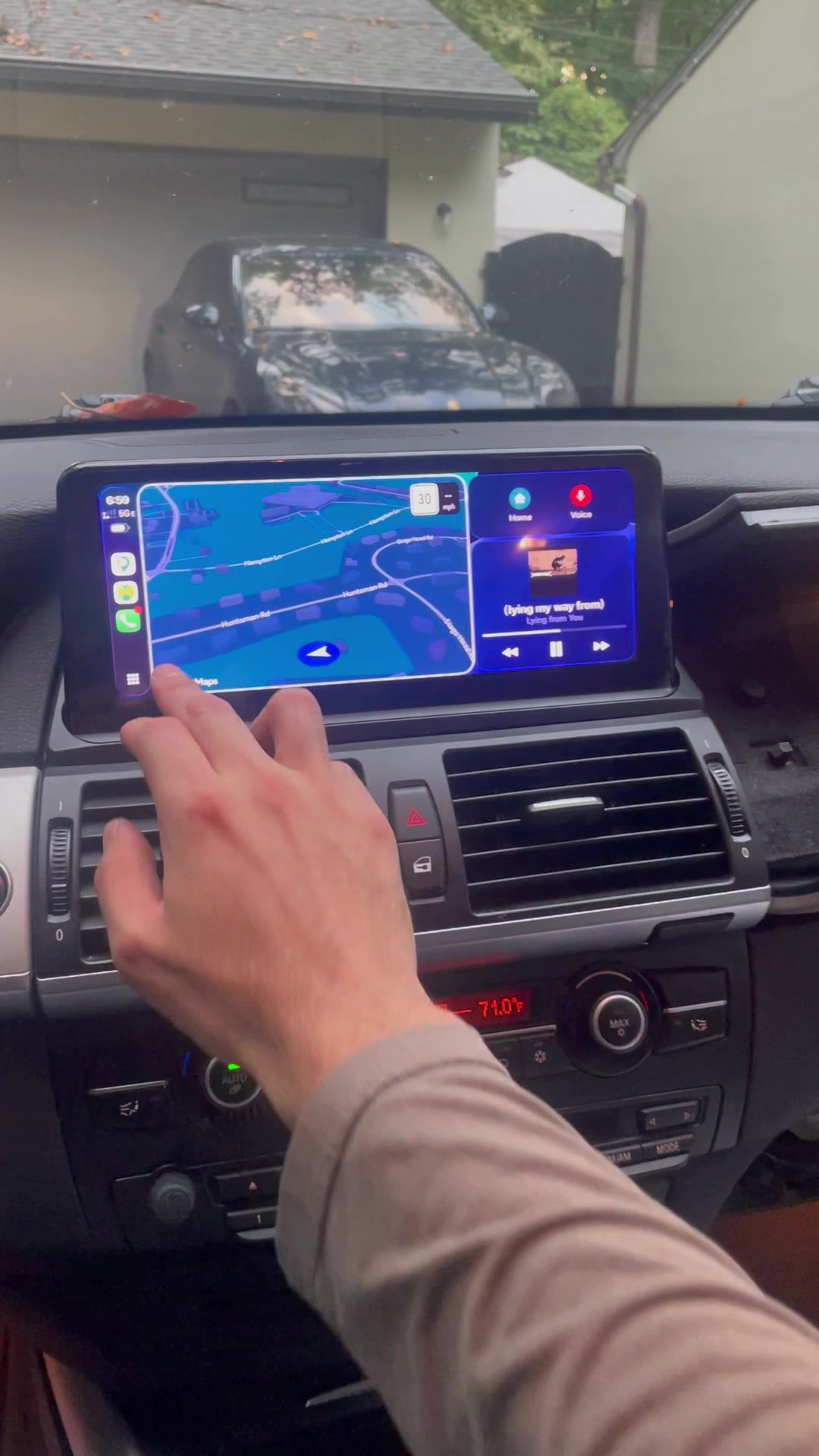
Wireless Apple CarPlay: connect your iPhone, hear your audio and switch back to iDrive.
Set up your phone while safely parked.
Host / vehicle IDAdd your host name and vehicle identifier
Bluetooth device nameUse the name shown on the car’s screen.
Press and hold MENU.
Hold the MENU button to switch between iDrive and CarPlay mode.
Start in CarPlay mode before pairing your phone.
Connect wirelessly.
Open Settings → Bluetooth on your iPhone. Pair with the Bluetooth device whose name appears on the car’s screen.
Once paired, wireless CarPlay will start.
Select AUX in iDrive.
Hold MENU to return to iDrive. Select AUX as the car’s audio input source.
Hold MENU again to return to CarPlay.
Select CarPlay output.
On your iPhone, select CarPlay as the audio output.
For sound through the car, use both:
BMW input = AUX
iPhone output = CarPlay
Connected, but no sound?
Check AUX in iDrive and CarPlay as your iPhone’s audio output.
Need a hand? Contact your host.
Park safely and use your booking’s messaging channel. Do not factory-reset the screen.
Not scannable
Vehicle-specific link added at handover.