Features guests look for.
Turo offers CarPlay and Android Auto filters. After installation, confirm your listing’s feature tags and show the upgrade in your photos.
For hosts & fleets
CarPlay & Android Auto, installed around your bookings.
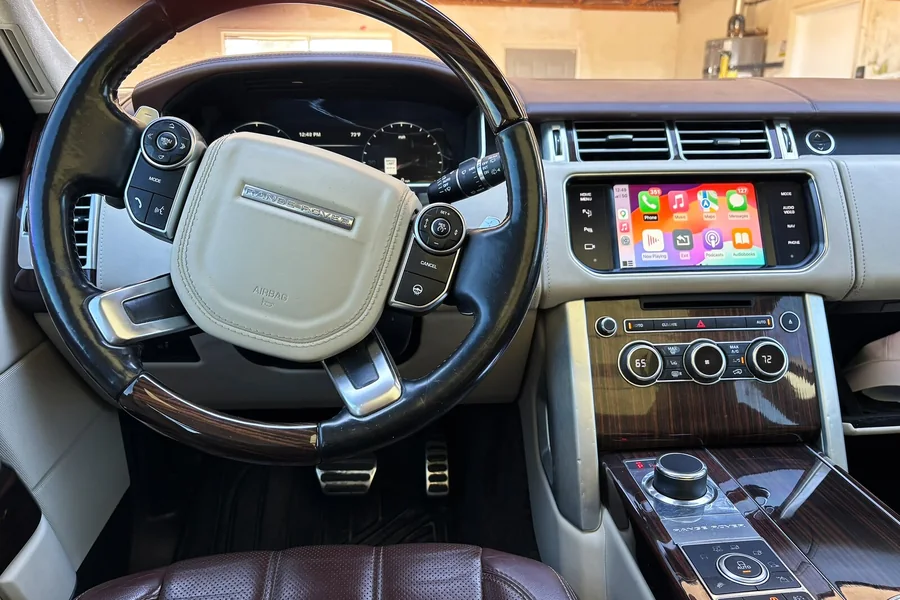
Timeless luxury. Modern connection.
Final quote depends on your vehicle and equipment.
Built around your luxury car.






A familiar connection for guests. A straightforward upgrade for you.
Turo offers CarPlay and Android Auto filters. After installation, confirm your listing’s feature tags and show the upgrade in your photos.
Pair your car’s luxury appeal and competitive rental price with modern connectivity.
Receive a vehicle-specific quick-start PDF to print for the car or send before pickup.
Preview sample guideReal customer cars, before and after. The same upgrade your guests will use.
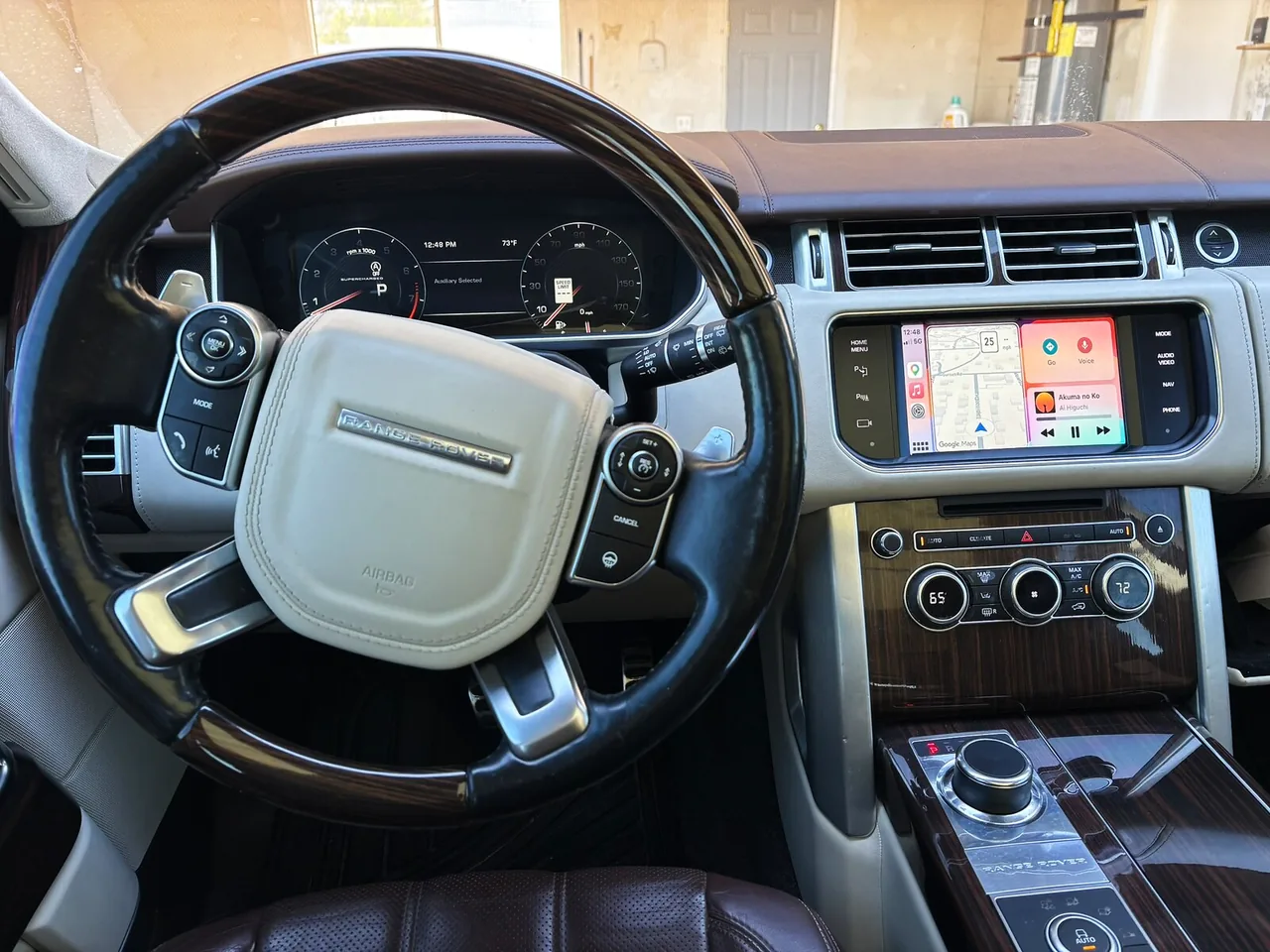
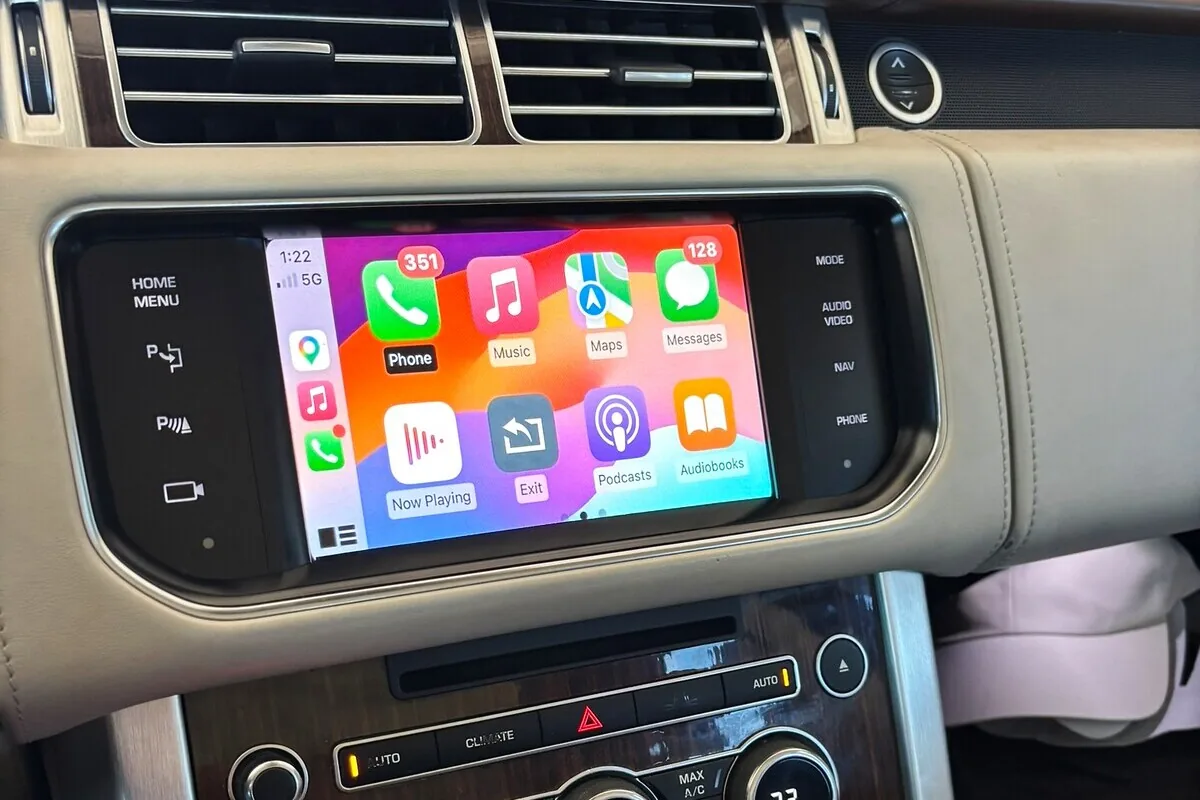
Kept factory screen
Wireless Apple CarPlay and Android Auto added to the original Range Rover display. Nothing in the dash changes.
New display
A widescreen touchscreen in place of the original BMW display, with Apple CarPlay and Android Auto. The factory iDrive menu and cameras are still there.
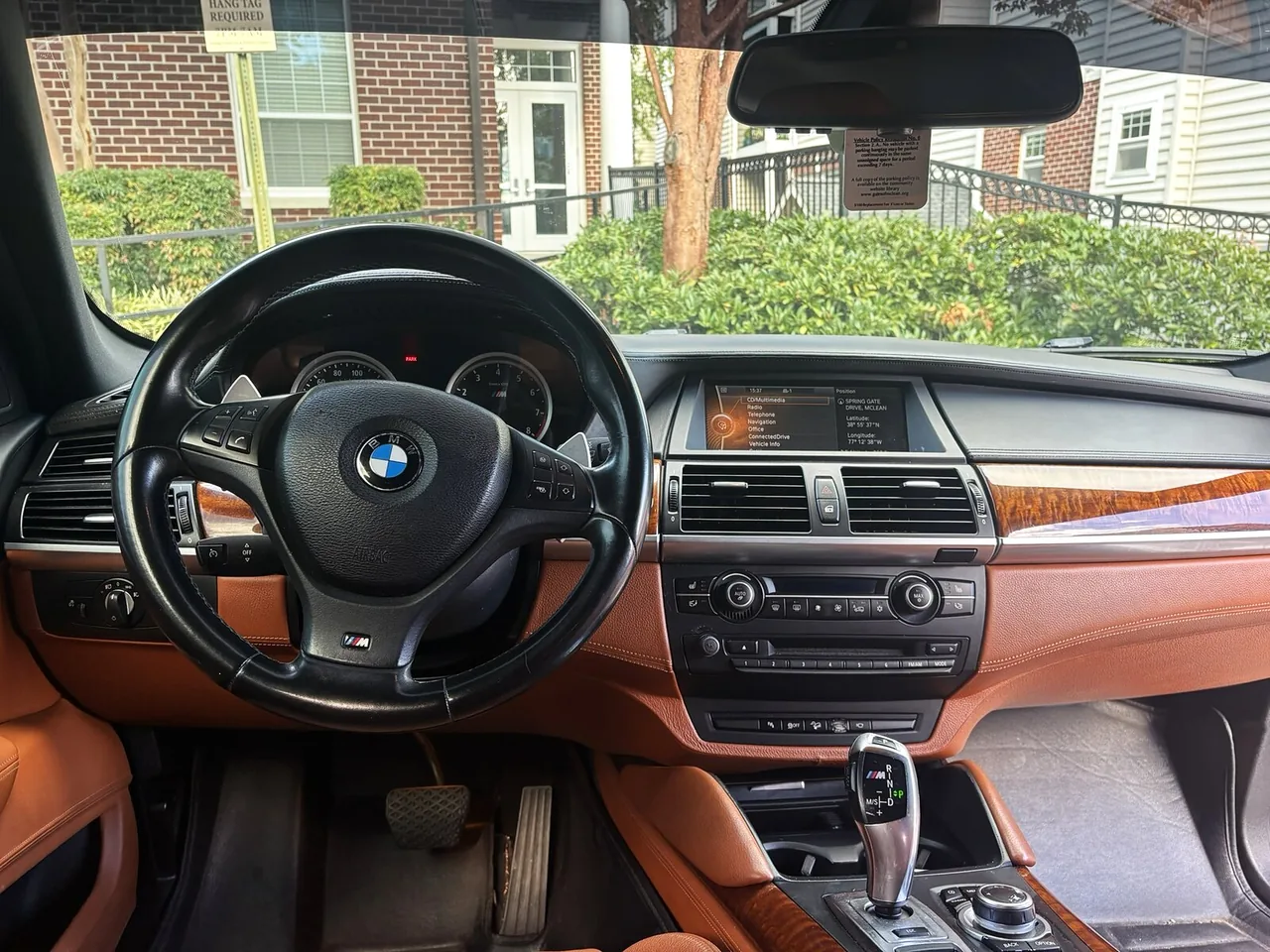
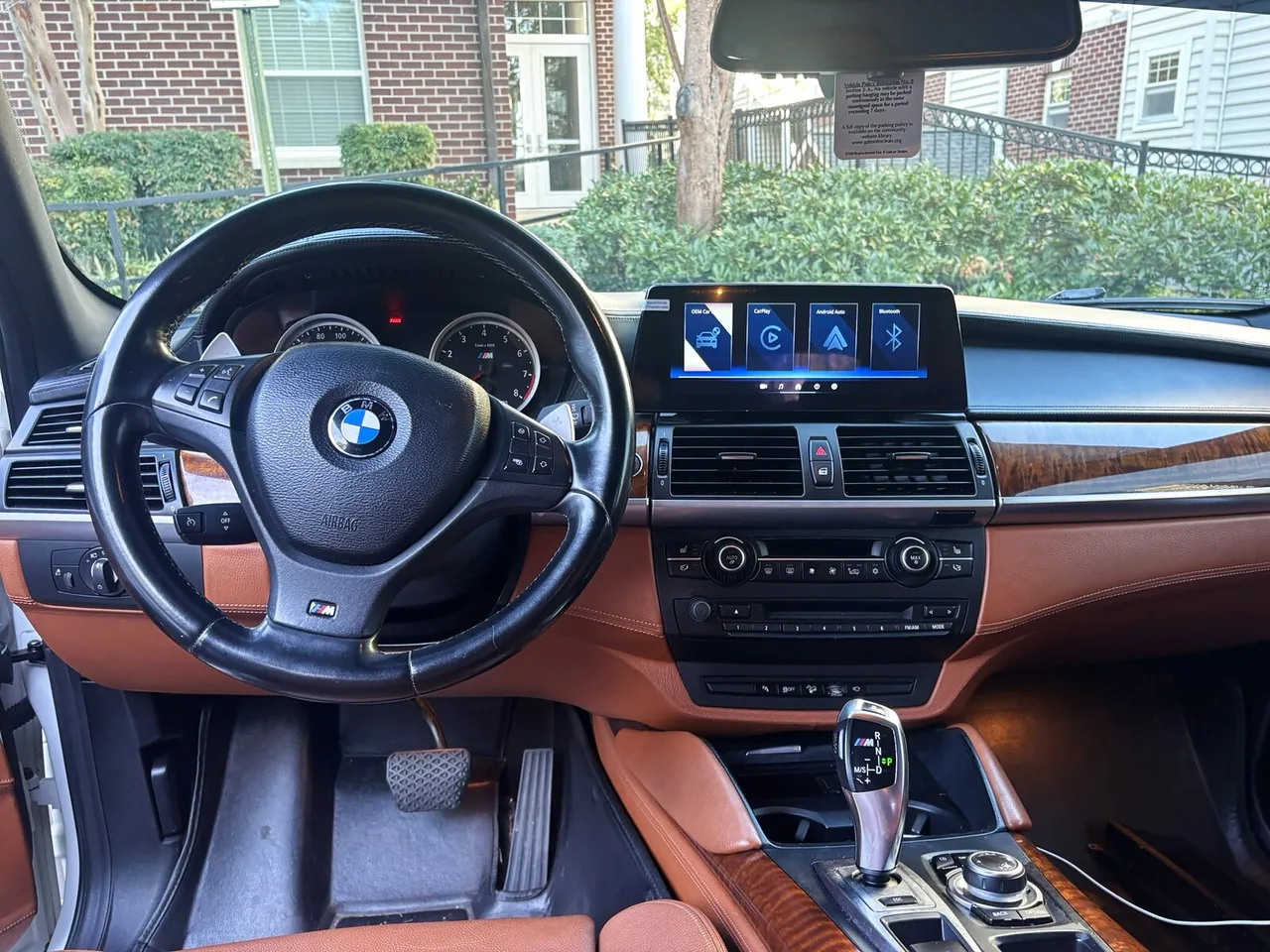
New display
A widescreen touchscreen in place of the original BMW display, with Apple CarPlay and Android Auto.
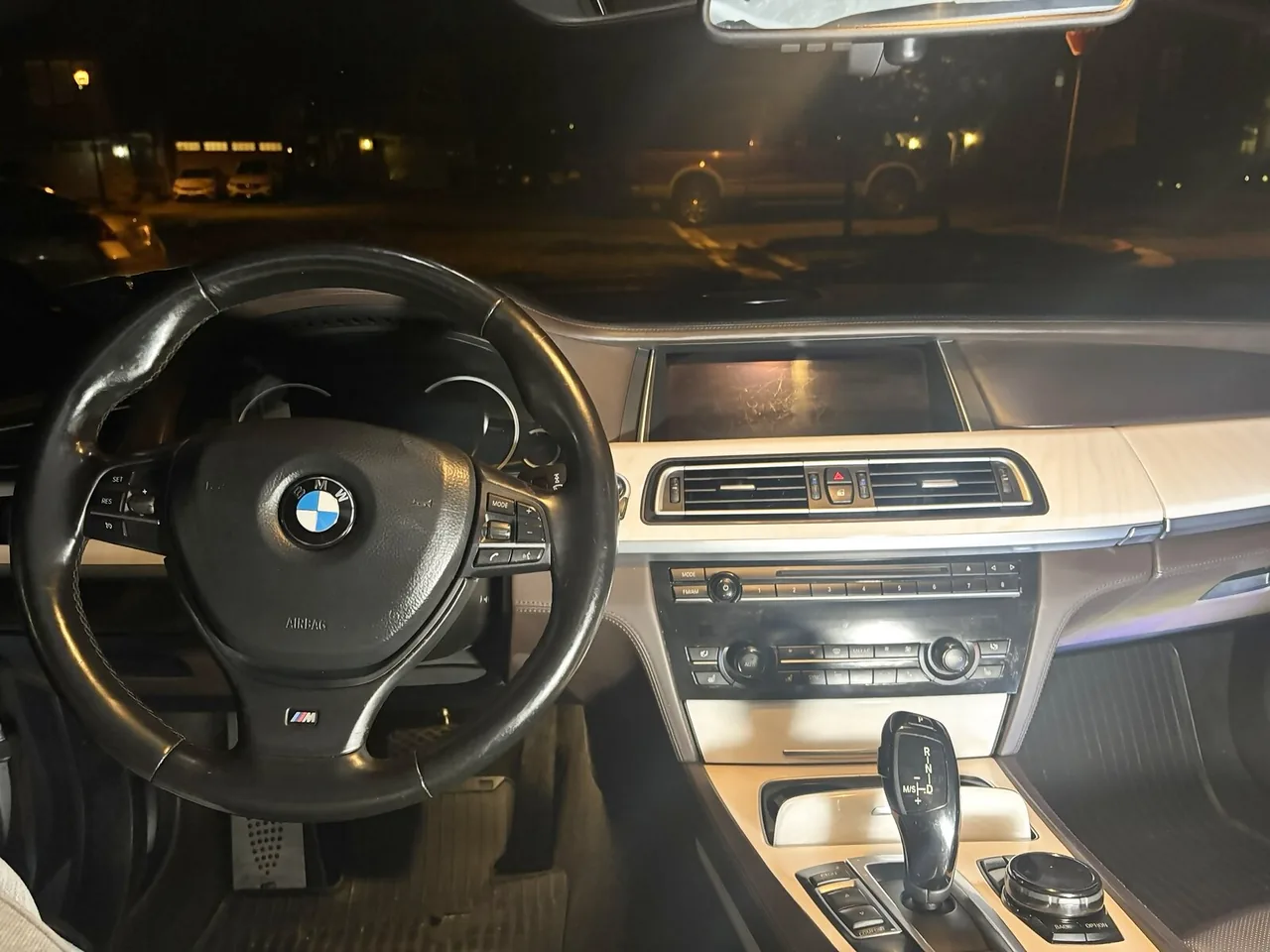
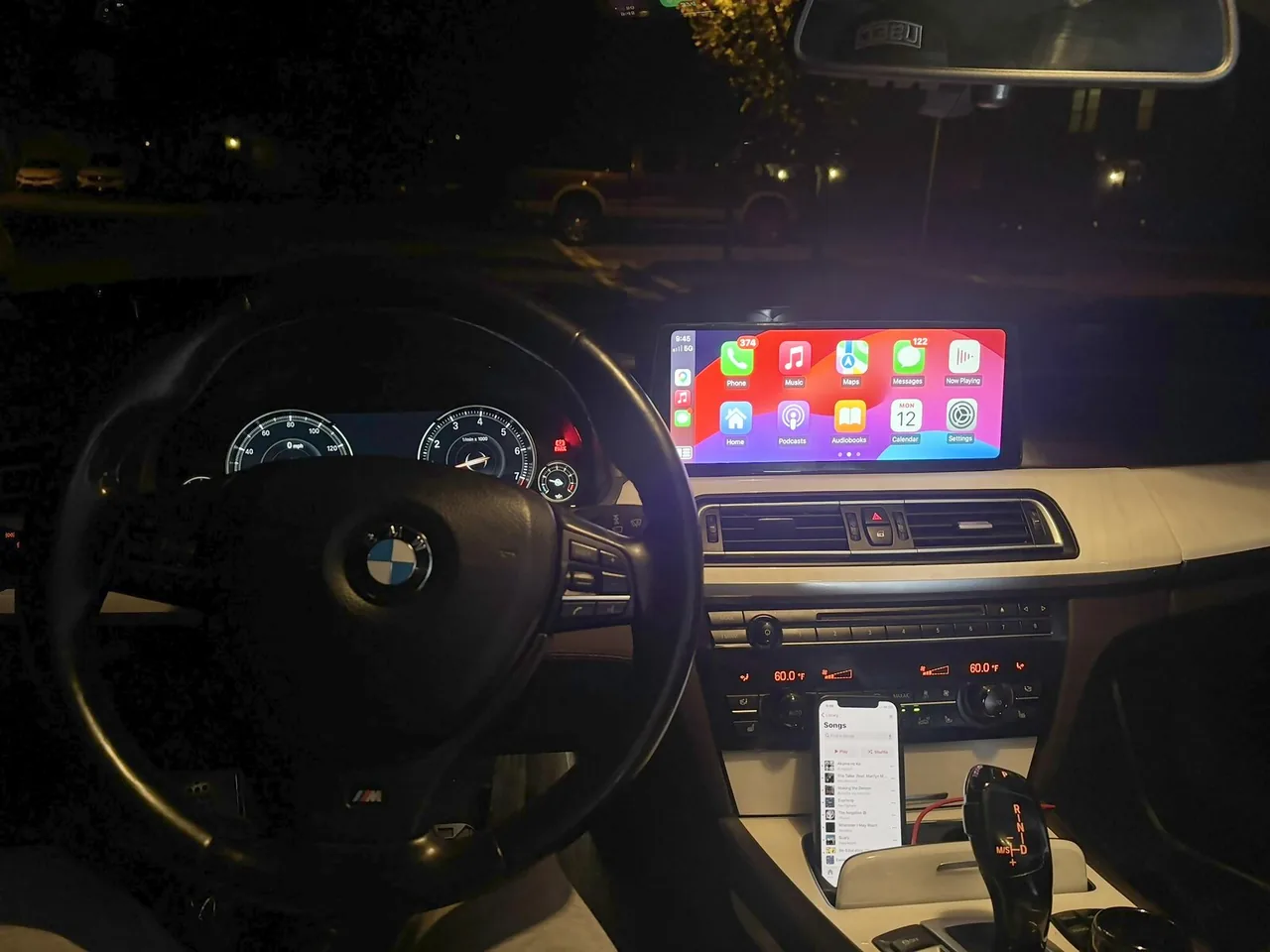
New display
A widescreen touchscreen in place of the original BMW display, with Apple CarPlay and Android Auto.
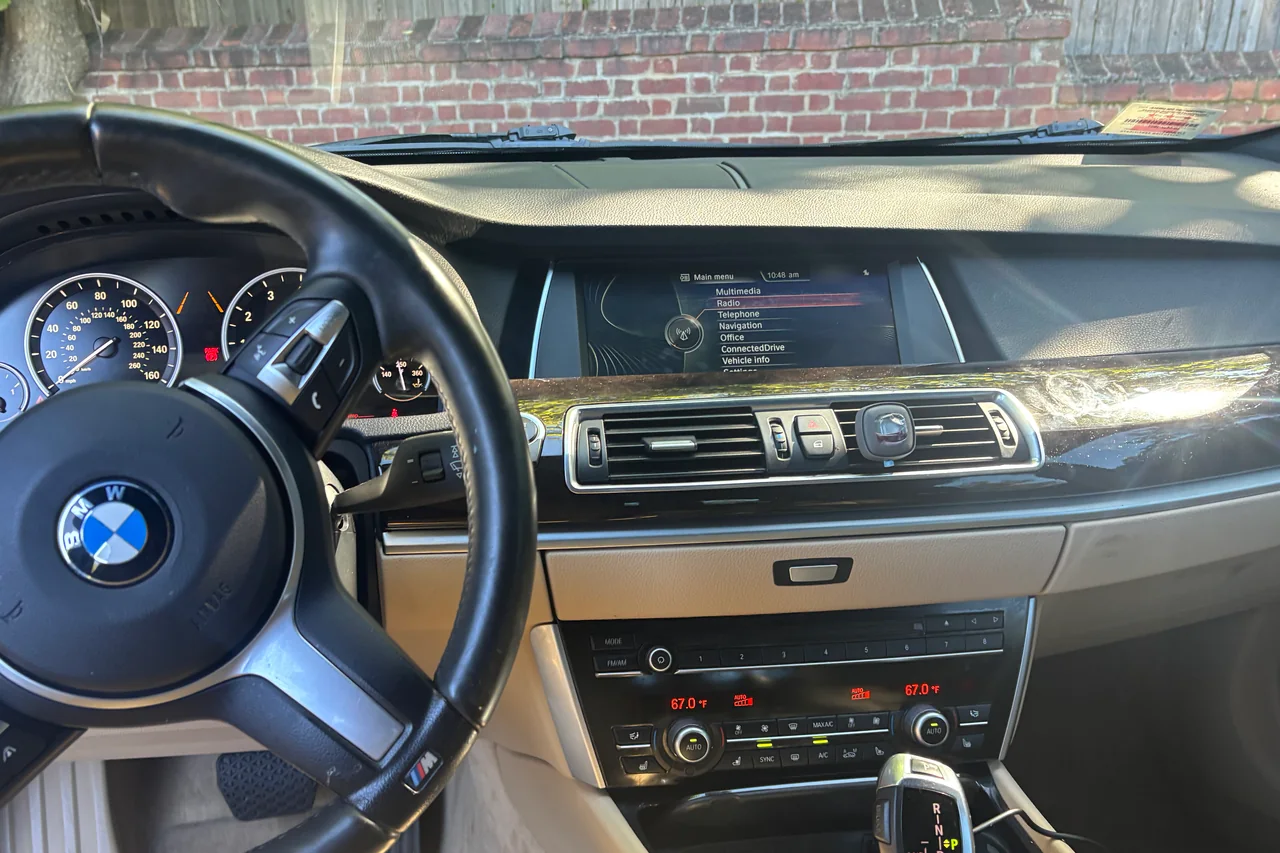
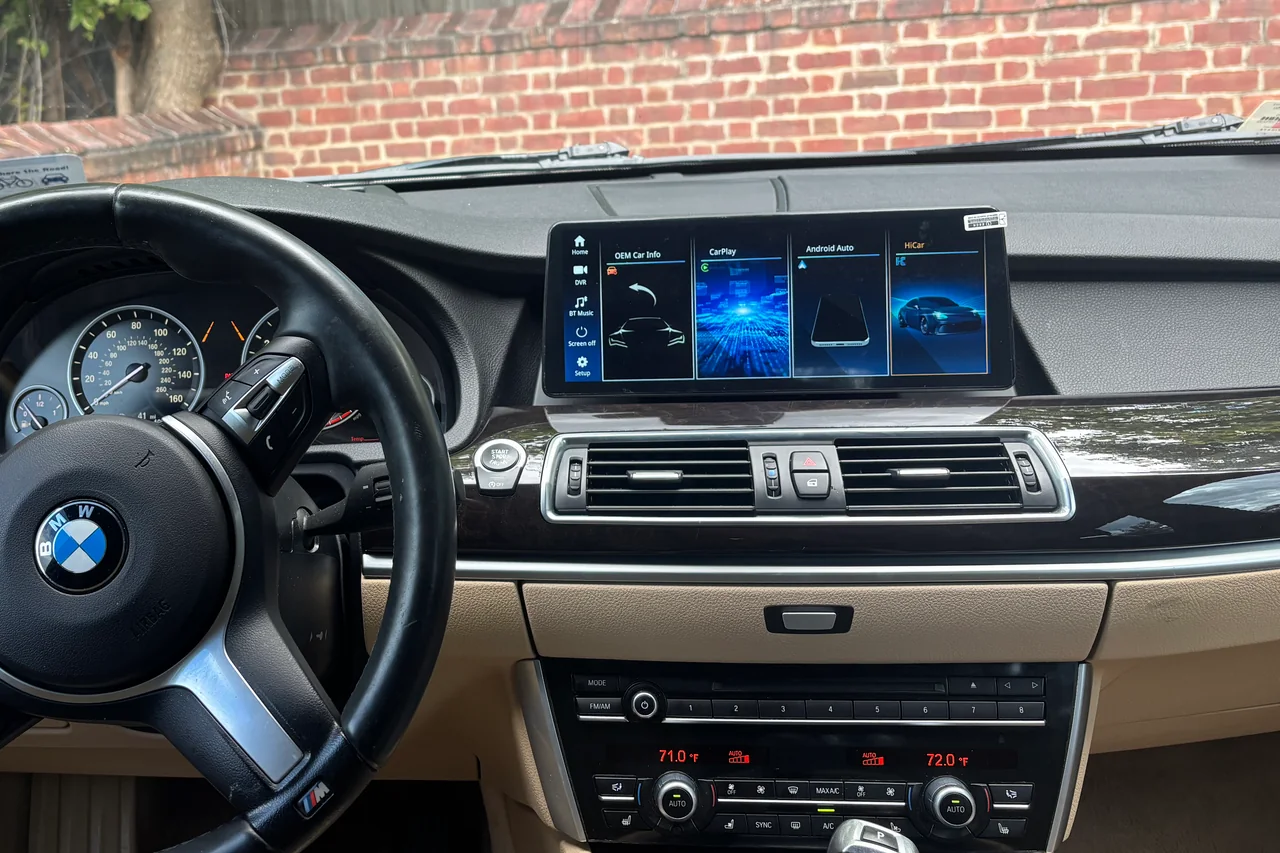
New display
A replacement touchscreen with Apple CarPlay, fitted into the original E60 screen hood. The factory CCC menu is still there.
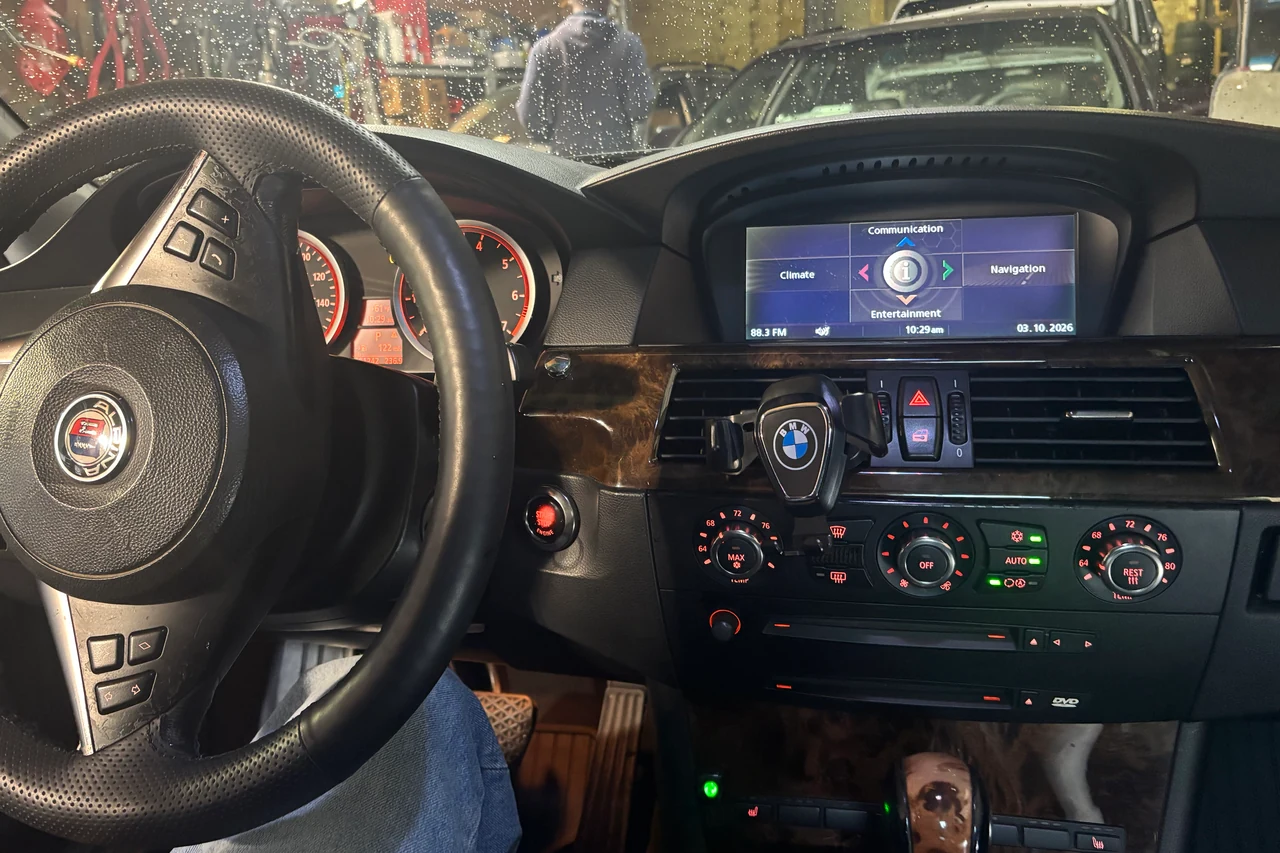
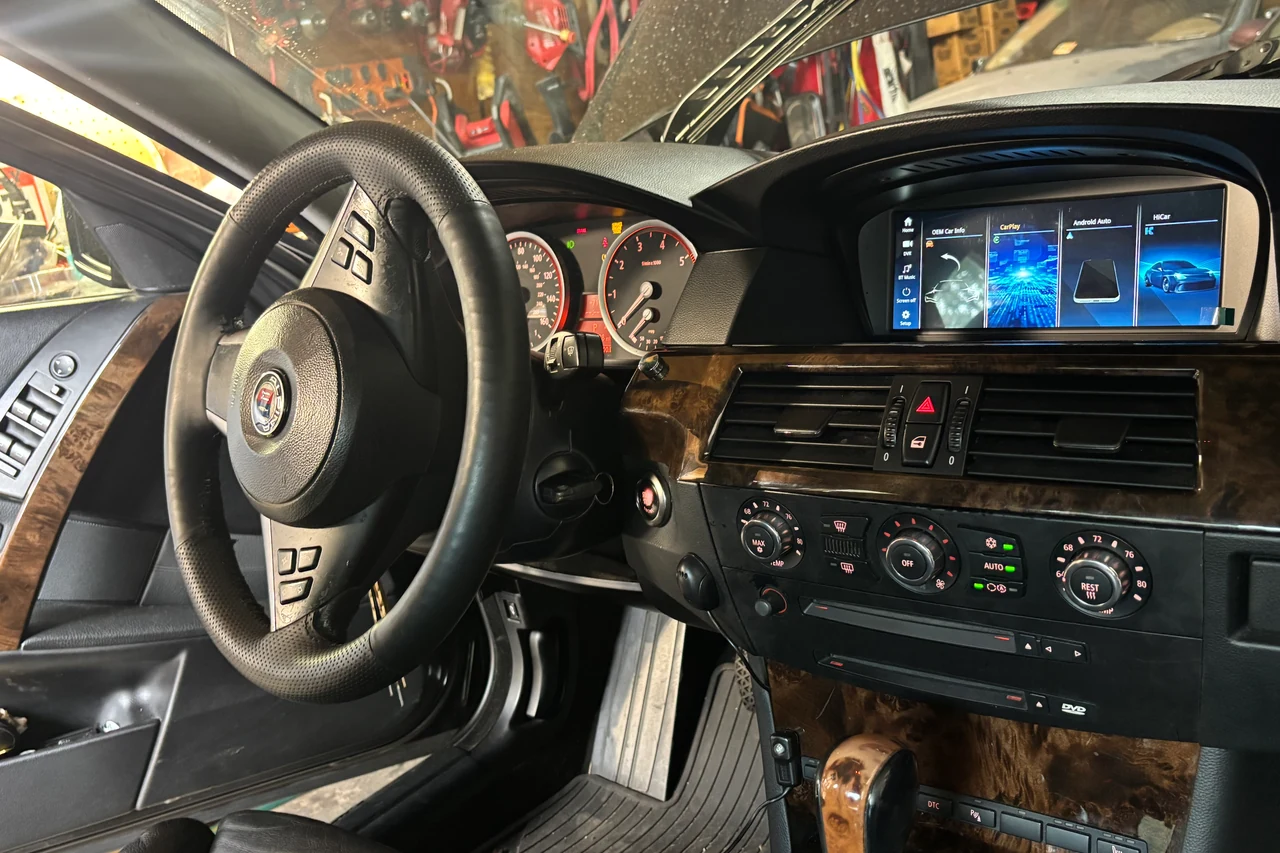
New display
A larger replacement touchscreen with Apple CarPlay, fitted to the original dash.
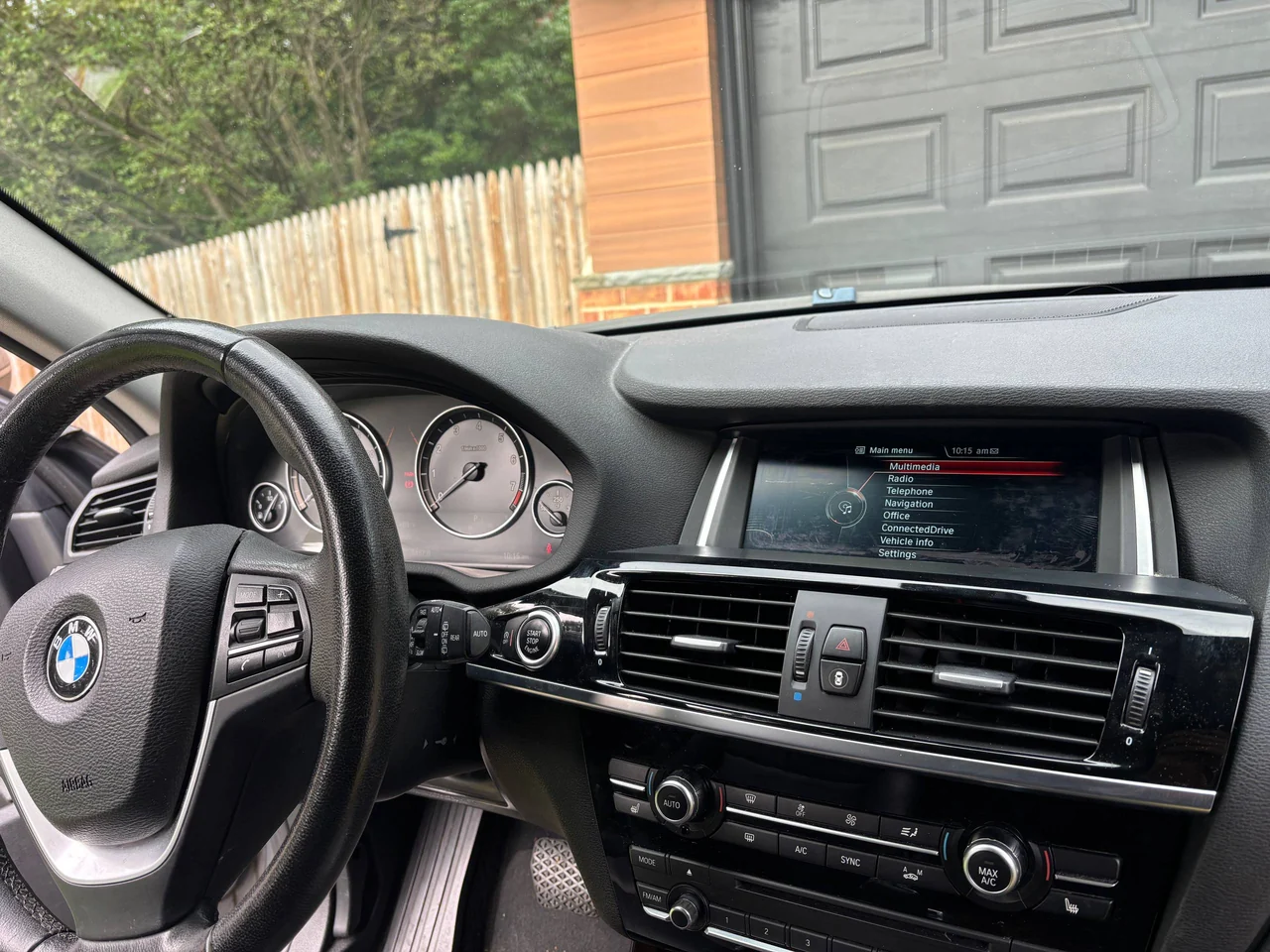
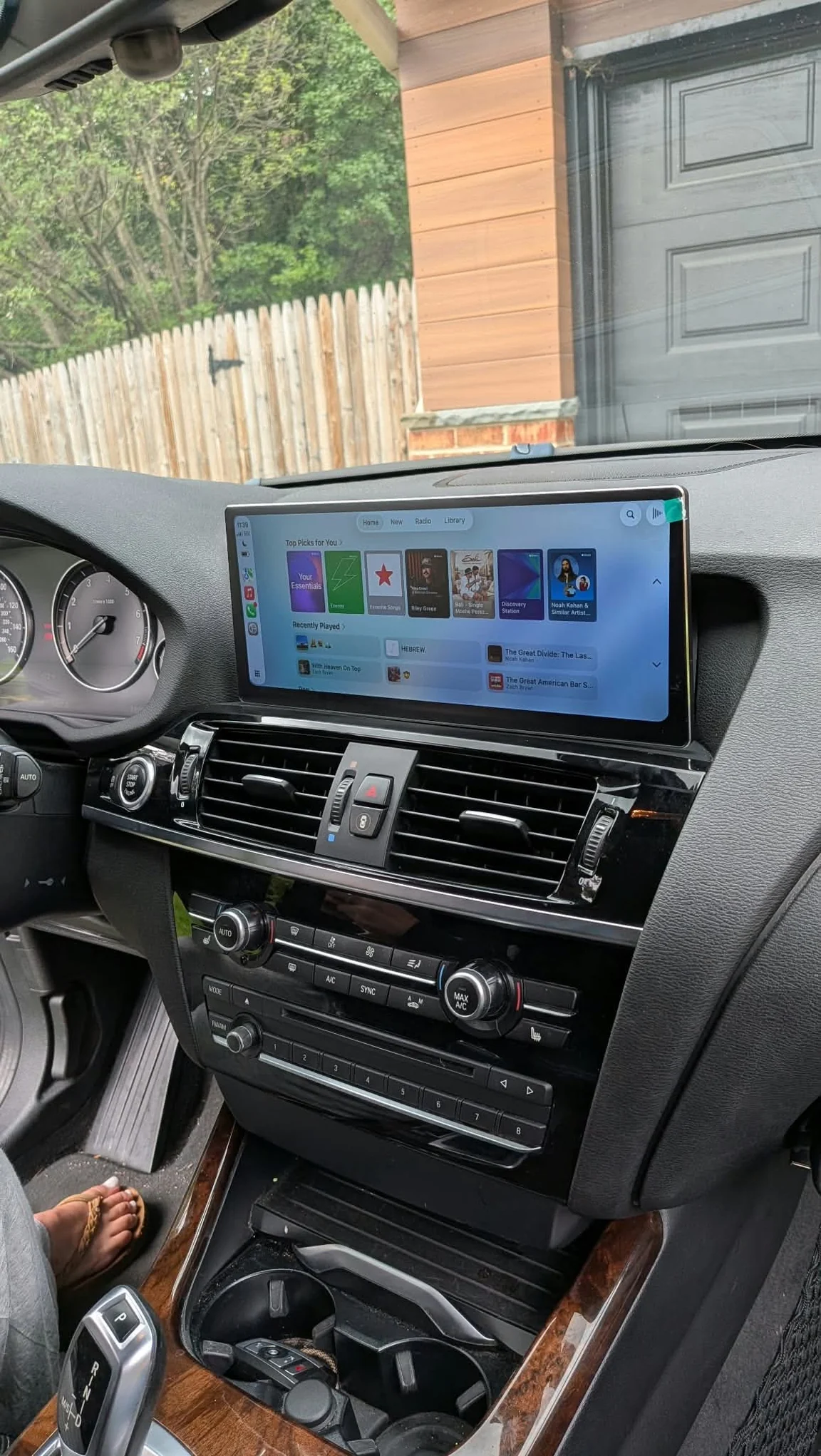
New display
The small original screen swapped for a larger touchscreen with CarPlay.
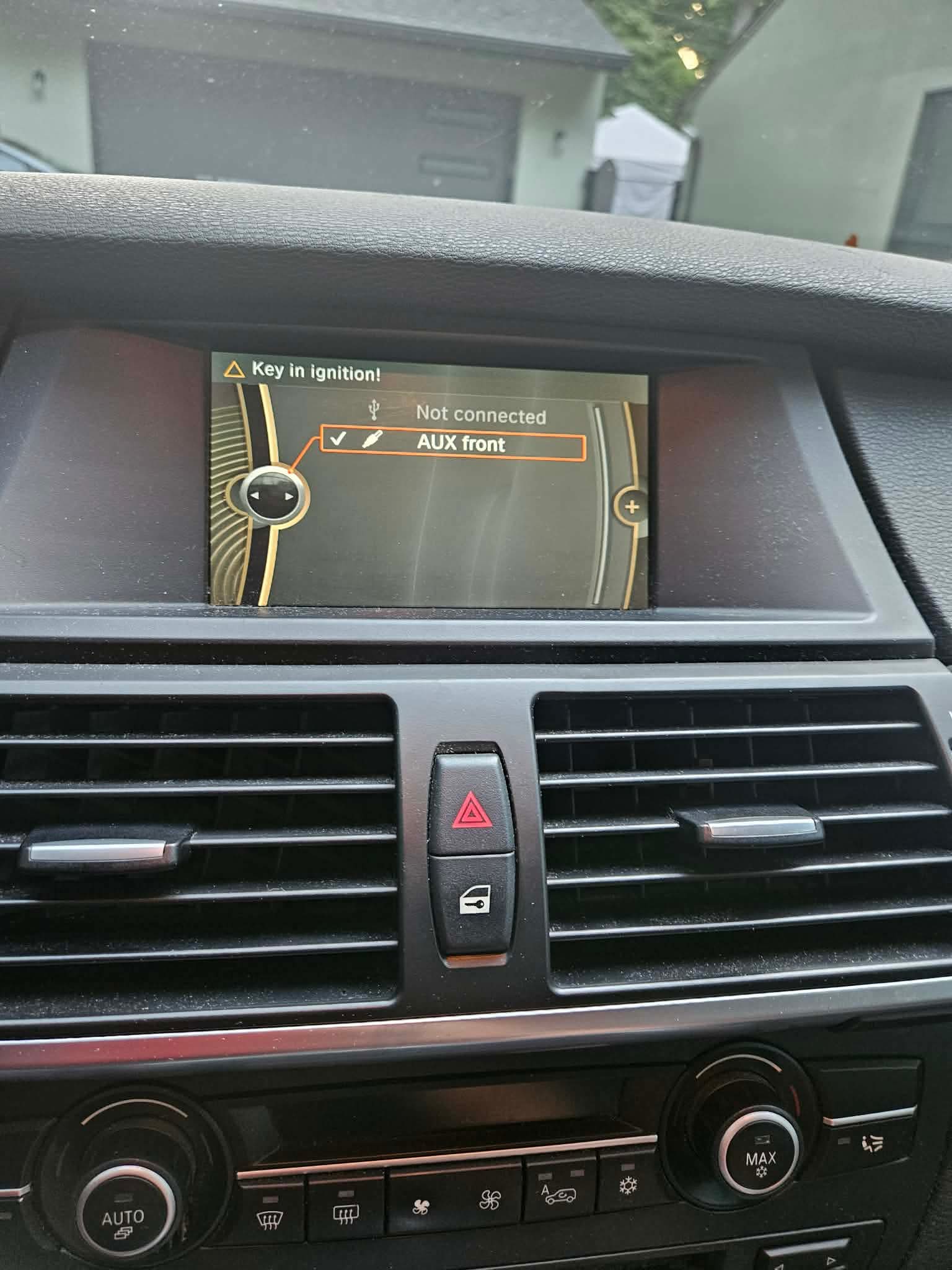
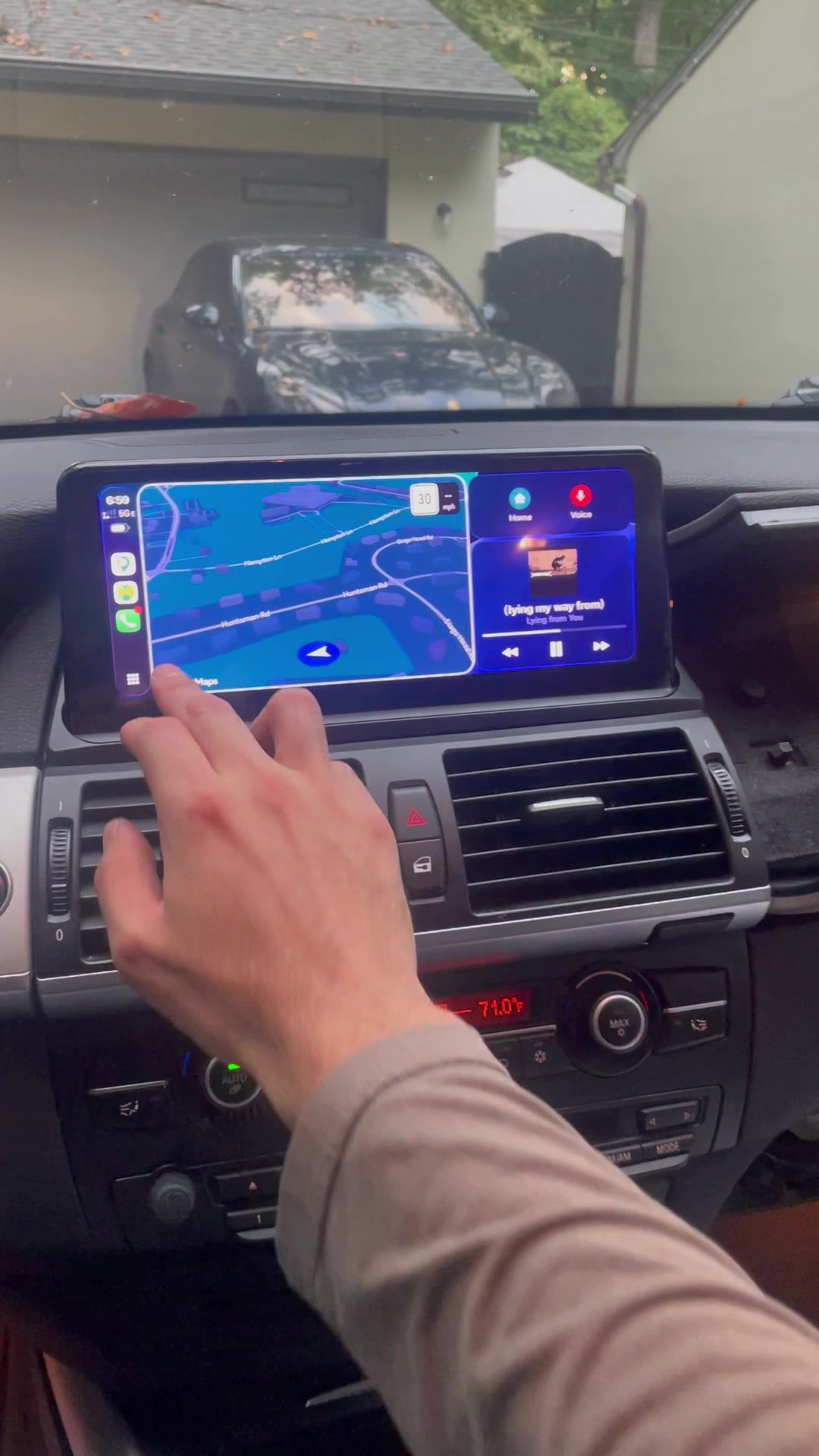
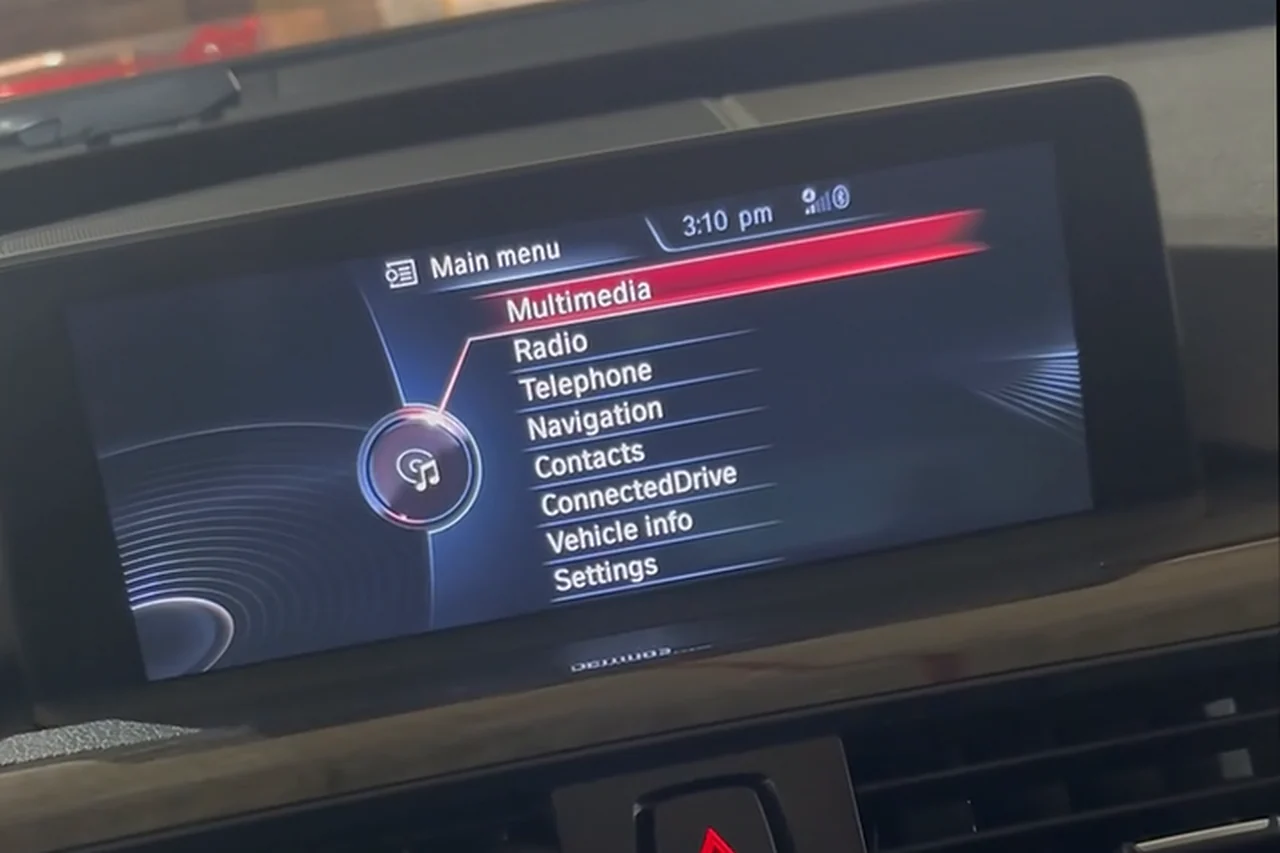
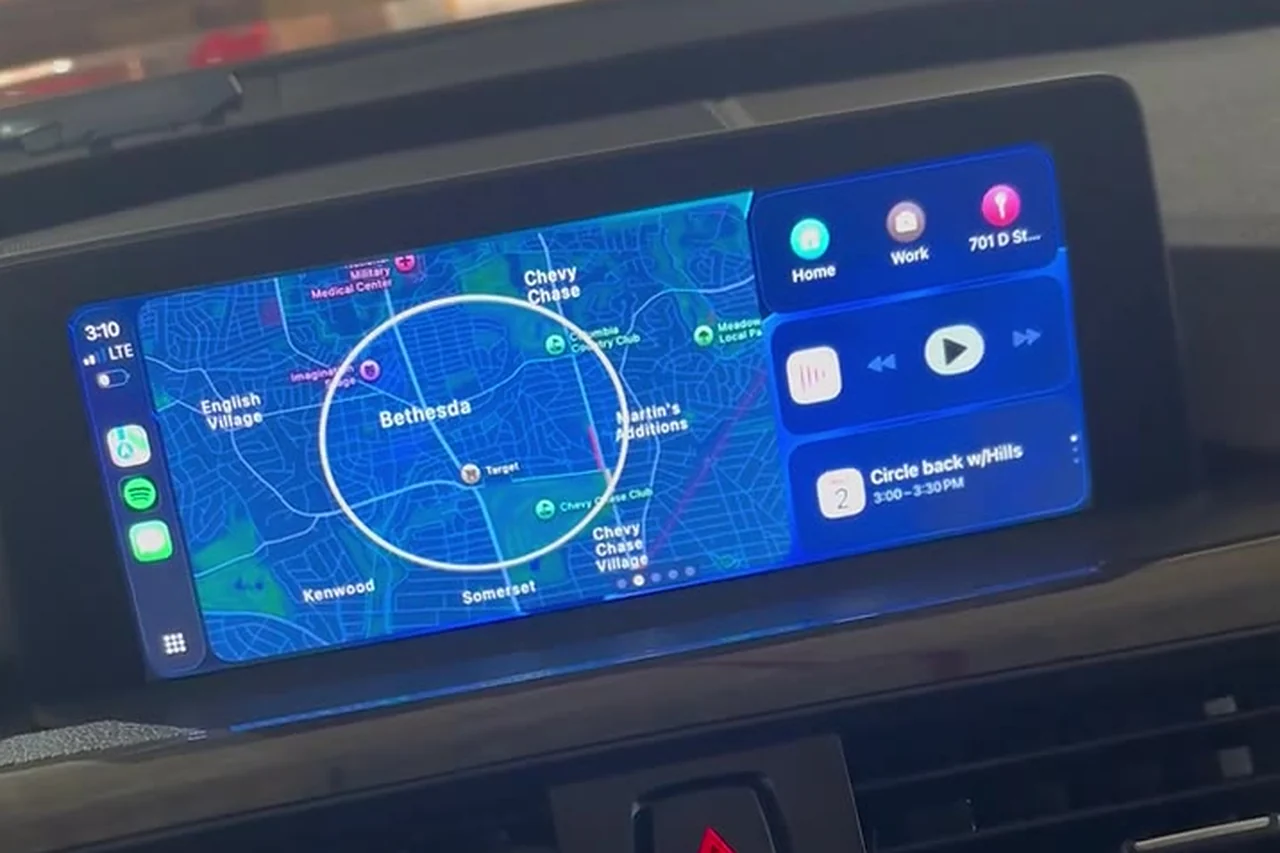
Kept factory screen
CarPlay added to the original BMW display. Nothing in the dash changes.
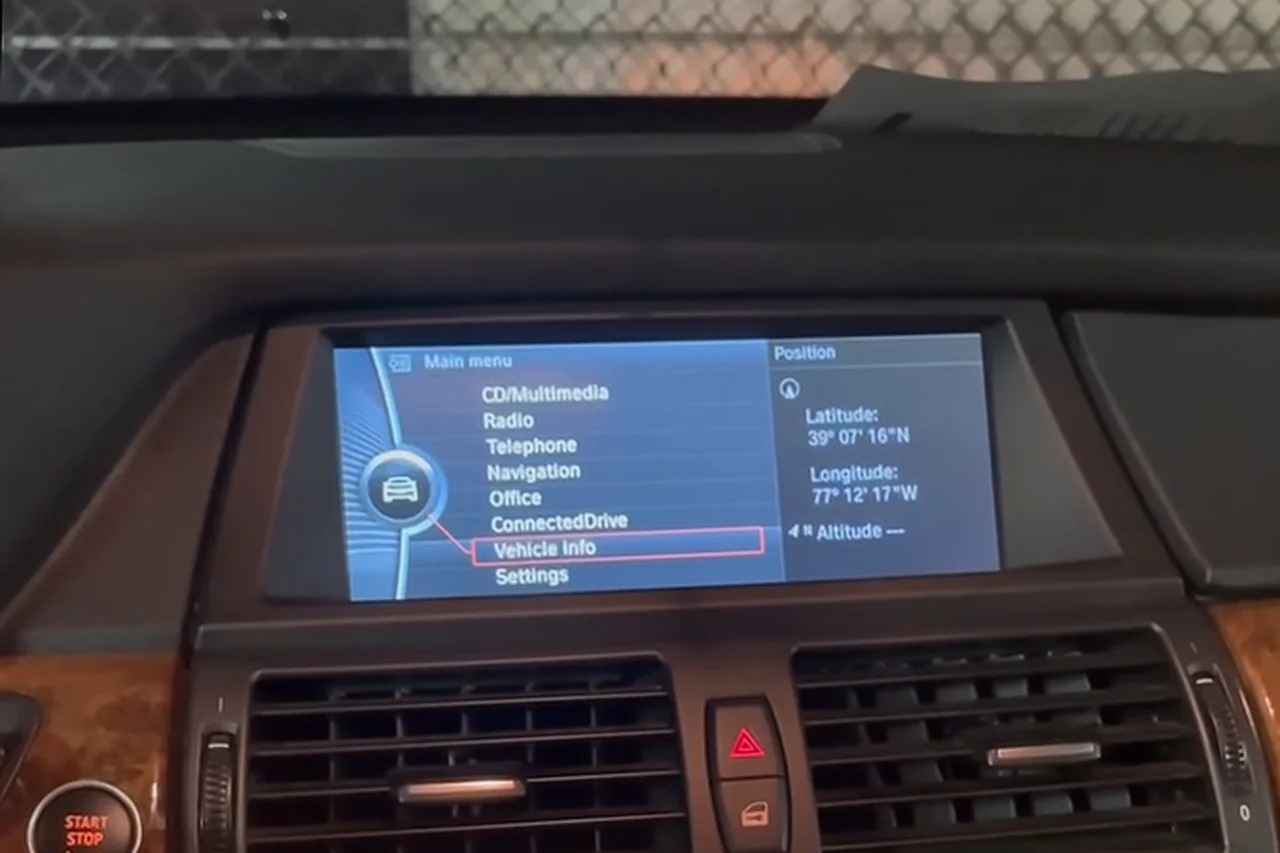
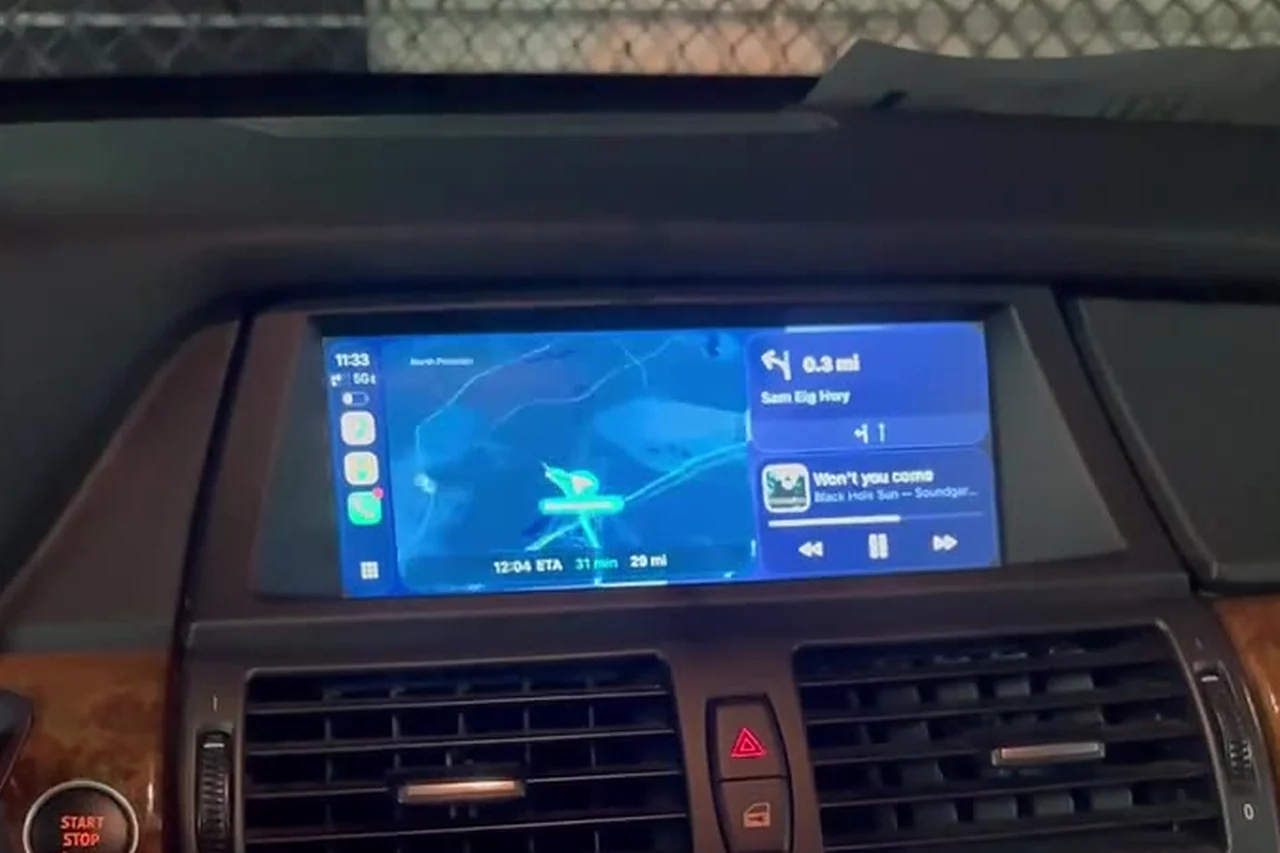
Kept factory screen
CarPlay added to the original BMW display. Nothing in the dash changes.
A vehicle-specific guide to print for the car or share before pickup.
Upgrade one vehicle or coordinate several. We match the setup to each car, provide clear pricing and schedule installation around your bookings.
Share each vehicle’s make, model, year and dashboard photos. We identify the right upgrade for each car.
Receive an itemized quote with hardware, installation and scheduling details agreed before work begins.
Coordinate installation at your location around vehicle availability. We test phone pairing, audio, controls and factory-menu access.
Receive a host walkthrough and a vehicle-specific PDF to print or send to guests, with pairing instructions, factory-menu access and a tutorial QR link.
Tell us which vehicles you want to upgrade. We’ll put together vehicle-specific options, pricing and an installation schedule.
Send this list to start your vehicle review. Add labeled screen photos in the messaging app so we can quote each installation.
This is an inquiry, not a compatibility confirmation or reservation. We’ll confirm hardware, price and scheduling directly.
Apple CarPlay and Android Auto give you practical features to promote alongside your car’s luxury appeal. Turo lets guests filter by these features, so an accurately tagged listing can match guests who specifically want that connectivity. Show the working system in your listing photos and describe how guests connect.
Check your listing after installation. Turo uses trim-based features and additional options; if the installed feature is missing, contact Turo support. A description or custom feature alone does not establish that the filter tag has been added. Confirm the tag before relying on filter visibility. Turo’s feature guidance ↗
We can discuss a shared visit after reviewing each vehicle. Timing depends on the hardware, work area, travel and installation complexity. The schedule is confirmed before booking.
No. DashRev is an independent installer. Hosts are responsible for their vehicle’s platform eligibility and listing details.
We walk through pairing and switching phones at handover. Ask us to confirm the support arrangements and hardware warranty in writing with your quote.